

ND, CPL and other filters for DJI Osmo Pocket
Improve your DJI Osmo Pocket footage with lens filters designed for different lighting and creative situations. Manage exposure with ND filters or achieve creative effects with CPL, Black Mist and other filters.
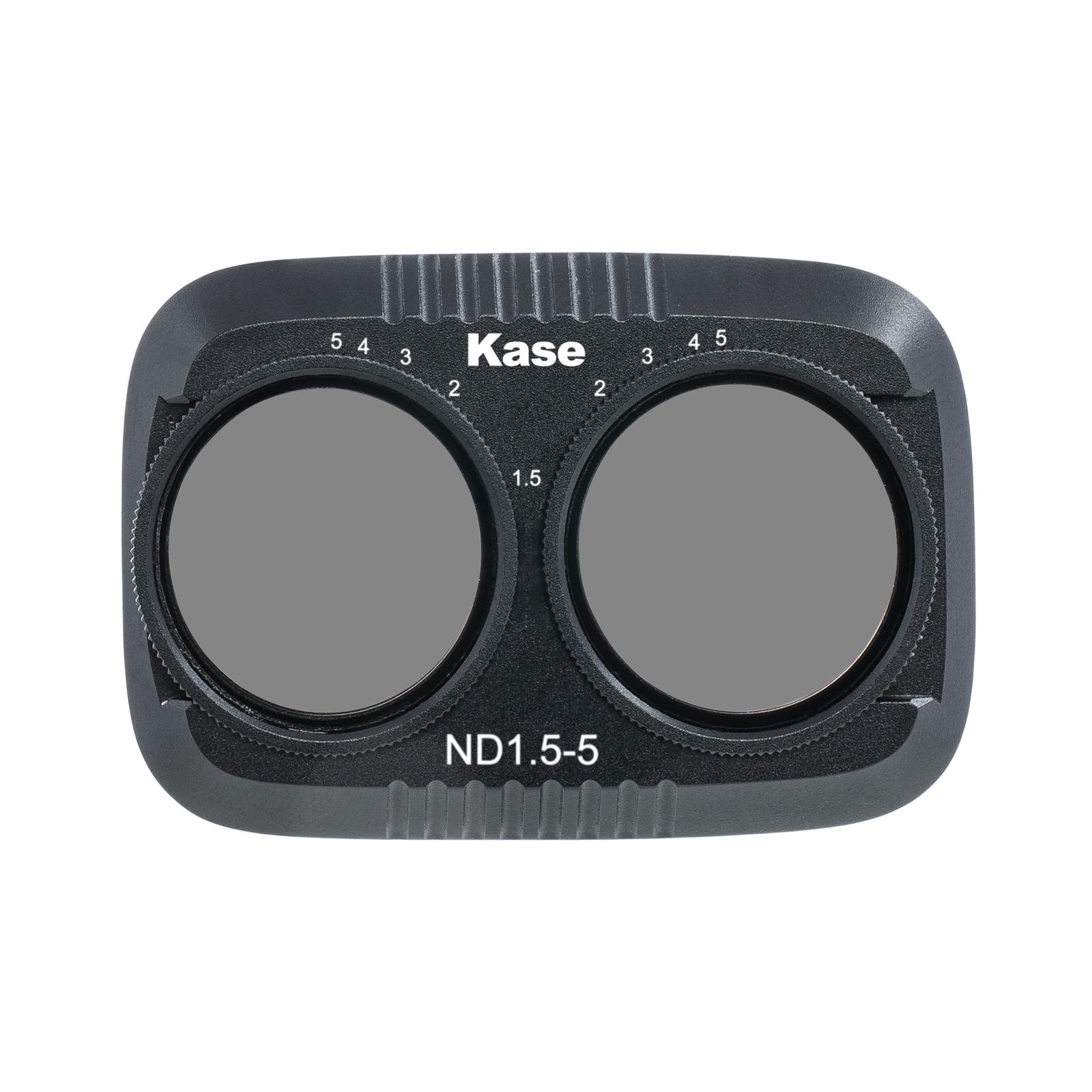
DJI Osmo Pocket 4P Vario ND1.5–5 Filter
In Stock

DJI Osmo Pocket 4P Blue Streak Anamorph Filter
In Stock
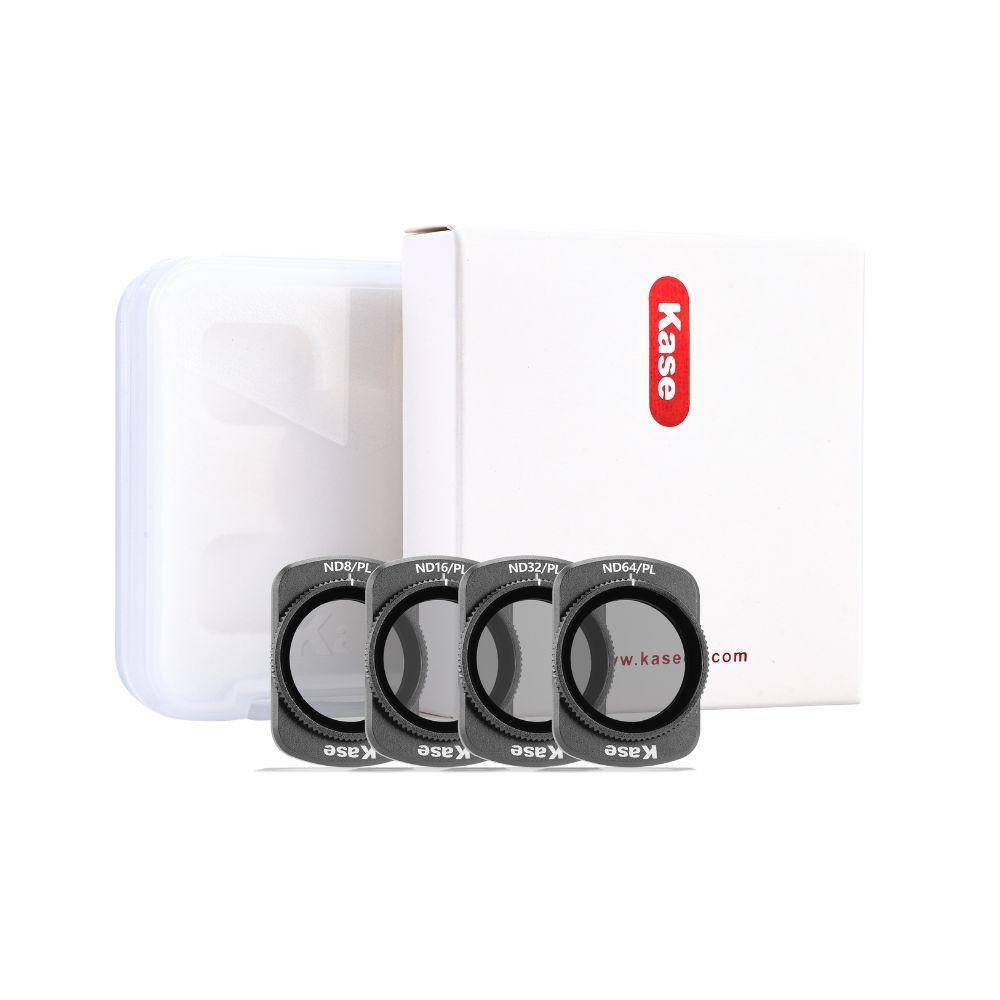

DJI Osmo Pocket 4P 6-Point Star Filter
In Stock

DJI Osmo Pocket 4P Black Mist 1/8 Filter
In Stock
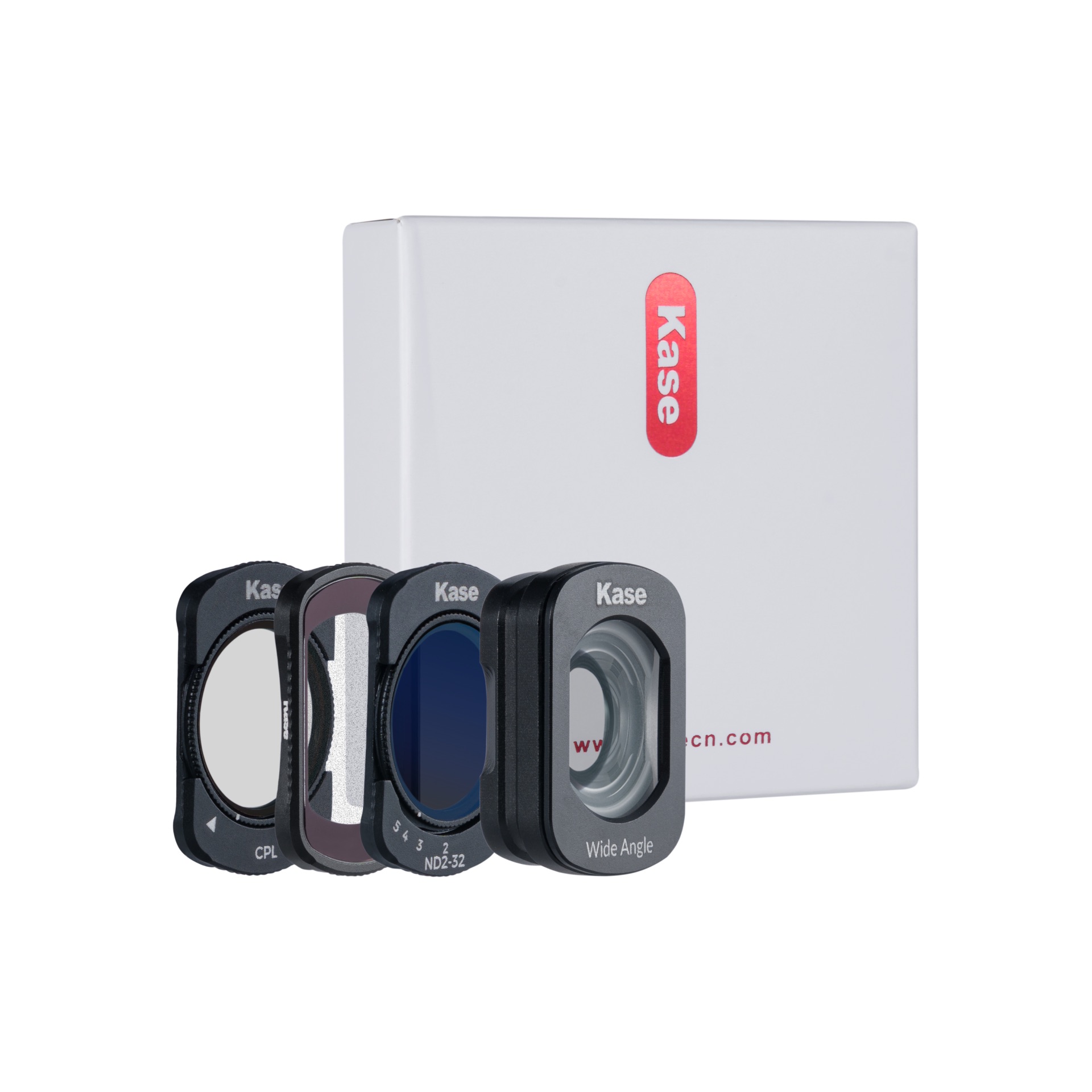
DJI Osmo Pocket 4 4-in-1 Filter Set CPL + Black Mist 1/4 + Variable ND 2-32 + Wide-angle Adapter
In Stock
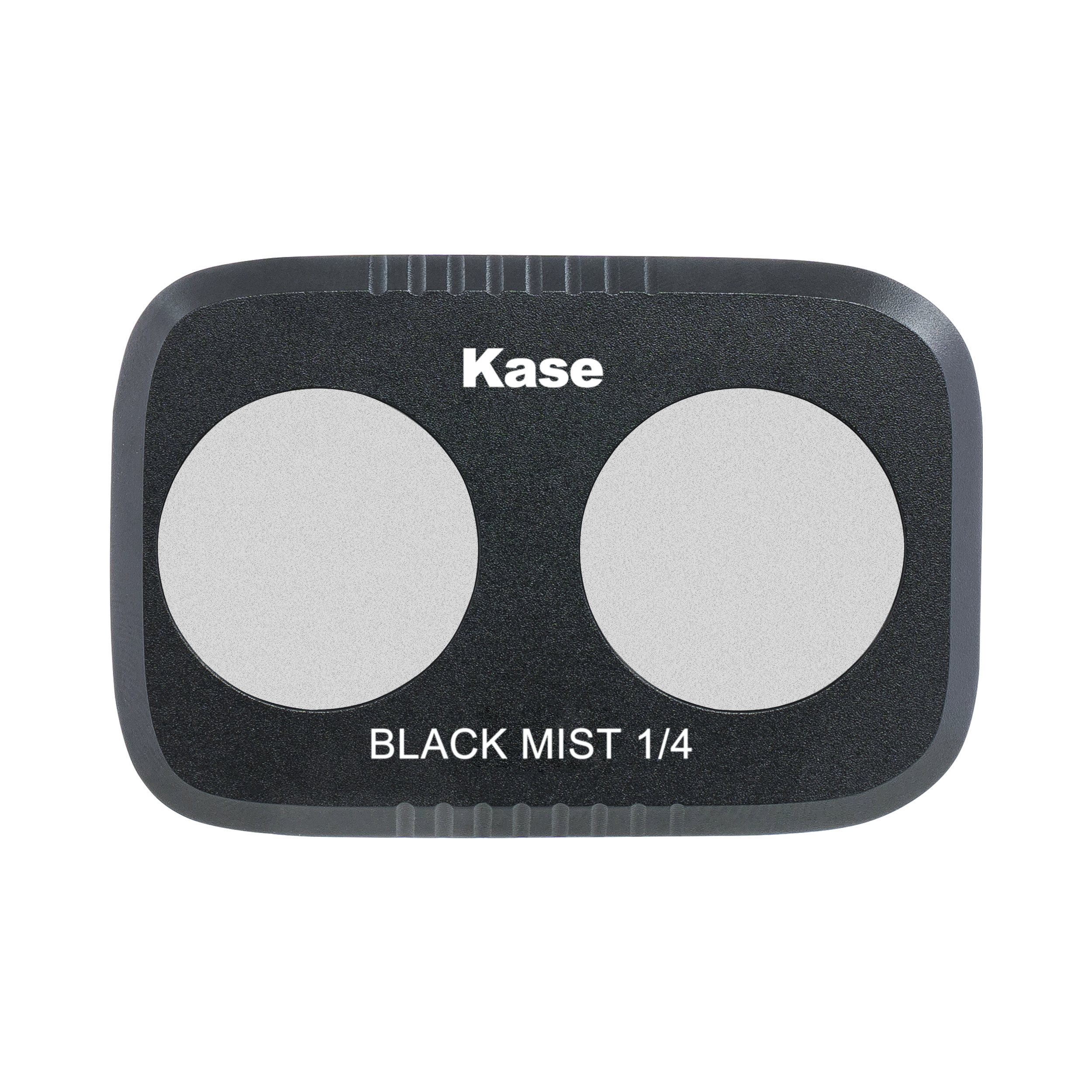
DJI Osmo Pocket 4P Black Mist 1/4 Filter
In Stock

DJI Osmo Pocket 4P CPL Filter
In Stock

DJI Osmo Pocket 4P Neutral Night Filter
Preorder possible

DJI Osmo Pocket 4P ND8 Filter
Preorder possible

DJI Osmo Pocket 4P ND16 Filter
Preorder possible
Discover different types of lens filters for your DJI Osmo Pocket
The compact DJI Osmo Pocket is made for filming on the go, from sunny city streets and mountain trails to evening scenes. This selection of filters lets you adapt the camera to the conditions instead of relying entirely on automatic settings.
1. Polarising filter
A CPL filter for DJI Osmo Pocket is a useful companion for travel and outdoor filming. It can cut reflections from lakes, windows and wet surfaces, which is especially helpful when capturing landscapes, architecture or activities around water. It can also enhance blue and green colours.
2. ND filter
ND filters are a popular choice for DJI Osmo Pocket users who shoot video outdoors. They act as sunglasses for the camera, reducing the light reaching the sensor so you avoid overexposure and obtain a motion-blur effect.
3. Black Mist filter
As a rule, the footage filmed with a Pocket camera appears very clean and crisp. A Black Mist filter softens the look by gently diffusing the highlights. It is a great choice for vlogs, people shots and atmospheric travel footage where you want a less clinical look straight out of the camera.
4. Neutral Night filter
Night-time filming often means dealing with a mixture of streetlights, shop windows and other artificial light sources. A Neutral Night filter can help minimise the influence of this lighting and reduce the yellow tint. It can be used for evening city walks, architecture and travel footage after sunset.
5. Starburst filter
The Starburst filter turns bright lights such as street lamps, headlights or decorative lighting into star shapes. Designed for use at night, this filter makes the light a part of the composition and adds a creative touch to your footage.
6. Streak filter
The Streak filter produces elongated horizontal streaks from point light sources, making the look more cinematic. Try it on the DJI Osmo Pocket when filming city streets, traffic or illuminated signs after dark to create a distinctive look while recording rather than adding the effect later.
7. UV filter
A UV filter for DJI Osmo Pocket is incredibly useful for situations where the lens may be exposed to dust, dirt or scratches. It is especially useful when filming outdoors, whether you're cycling, hiking or exploring new places.
FAQ about DJI Osmo Pocket filters
What are the popular filters for DJI Osmo Pocket cameras?
For most Osmo Pocket users, ND filters are the first filters to buy for shooting outdoors. They give control over exposure and shutter speed, helping you achieve more natural motion in video.
A CPL is another practical choice for travel and outdoor scenes, especially around water and reflective surfaces.
Black Mist filters are popular among creators who prefer a softer, more cinematic image.
Is an ND filter worth it for the DJI Osmo Pocket camera?
Yes, an ND filter is worth it if you primarily use your DJI Osmo Pocket for outdoor filming. In bright daylight, the camera has limited control over the amount of light entering the lens. This can easily lead to overexposure. An ND filter allows you to control the exposure by letting the camera use a slower shutter speed.
The result is more natural motion blur, particularly when recording movement. For creators who frequently film outdoors, an ND filter is one of the most useful accessories in the camera bag.
Which ND filter strength to buy for the DJI Osmo Pocket?
It depends on the lighting conditions you mostly film in. ND4 and ND8 are suitable for less intense light, while ND16 reduces more light and is suitable for bright daytime conditions. ND64 is intended for particularly strong light, such as intense midday sun.
If you move between different lighting conditions during the day, an ND filter set gives you the flexibility to switch strengths. A variable ND can be even more convenient when you want to fine-tune light reduction without changing filters.
When should you use a CPL filter for the DJI Osmo Pocket?
A CPL is most useful when your scene contains unwanted reflections. For example, when filming a lake, river, car windscreen, shop window or wet street. The polarising filter reduces the distracting reflections and makes the scene easier to see through.
As a CPL filter makes the colours more saturated (especially blue and green), it is a popular choice for landscape scenes.
Which filter should I use for DJI Osmo Pocket at night?
A Neutral Night filter is the most popular choice for filming at night in urban environments. It helps to beat the effect of light pollution in footage, making the colours look clearer. On the other hand, Starburst and Streak filters are great options when you want to add some creative effect to bright lights at night.
What does a Black Mist filter do on DJI Osmo Pocket?
A Black Mist filter softens highlights and reduces contrast, creating a subtle glow around bright areas. It also takes the edge off the sharpness of digital footage, giving your DJI Osmo Pocket a softer, more atmospheric look. The effect is particularly noticeable around lights and other bright parts of the scene.